New Phone Bigme Hibreak Pro Color

So I know it’s been quite some time since I posted. What can I say? As you can see on the sidebar/below the post (if you’re on mobile), I’ve been playing quite a number of video games (finally beating Zelda Tears of the Kingdom) as well as reading a few books now ‘n again.

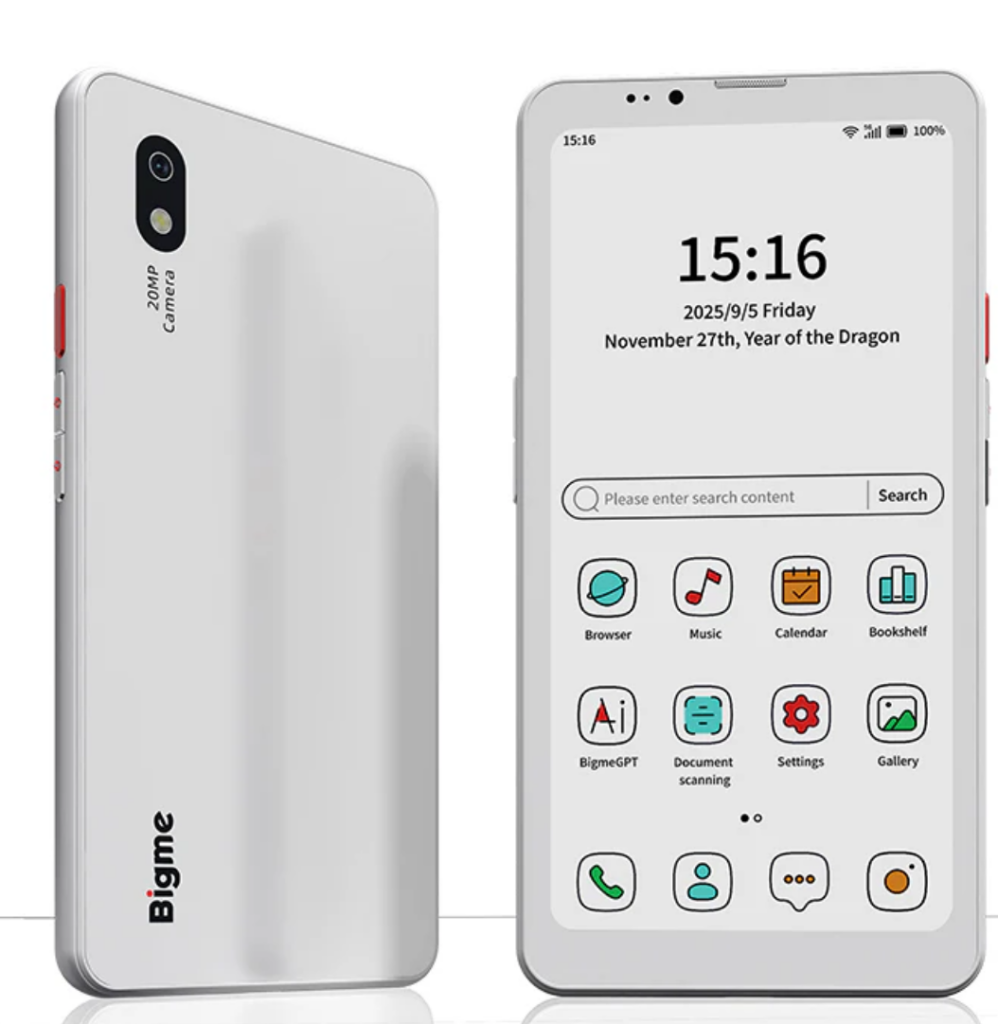
Speaking of reading new books, I’ve reread and finished a couple using new tech. I bought a BIgme HIbreak Pro Color phone back in November and it was delivered on Tuesday December 2nd. Its biggest claim to fame is the color e-ink screen.

My Pixel 4a battery was starting to die, and the phone was definitely showing its age. I’d looked at a bunch of phones, and was leaning towards a lower mid-range Motorola phone, but then I realized that the time I’m spending on my phone is kind of worthless. I doomscroll through instagram and facebook videos a lot, and it’s a waste of my time and brain. That put me out to look at something like the minimal phone or a flip phone jitterbug, but I still needed the apps and RCS messaging.

I have wanted to get an e-ink device with a backlight for quite some time now, as neither my Kindle DX or Entourage Edge devices had backlights. I knew reading on e-ink was a lot nicer, and I figured if I got a phone that did that, then it would double as an ereader. That brought me to looking at Bigme’s offerings. They’ve got a few different options for e-ink phones, but they all didn’t quite meet what I wanted, and then they released the pro version of the Hibreak with a color e-ink screen. I was sold.

I also knew that there would be a good deal of jankiness to the phone. My wife has a Boox e-reader, and the tech troubleshooting I have to do on that is not too bad, but it’s more than most would want to put up with. So, I knew with an eink menu that looked similar to the boox, that it would be janky.

I also knew that the device support would pretty much disappear once I bought it…Reddit has reported as much; but since I’m used to rooting devices and trying different roms on my phones, I wasn’t too worried. So I preordered it.

And it fulfilled my expectations both for the enjoyment of using the screen to read and for the amount of troubleshooting necessary (the notifications was the biggest hiccup). Once that all got settled, it operates like a solid Android phone (nothing fancy there), supports RCS messaging, was easy to set up a Mint sim card on it, and while it can play videos decently, it isn’t something I want to keep open to doom scroll.

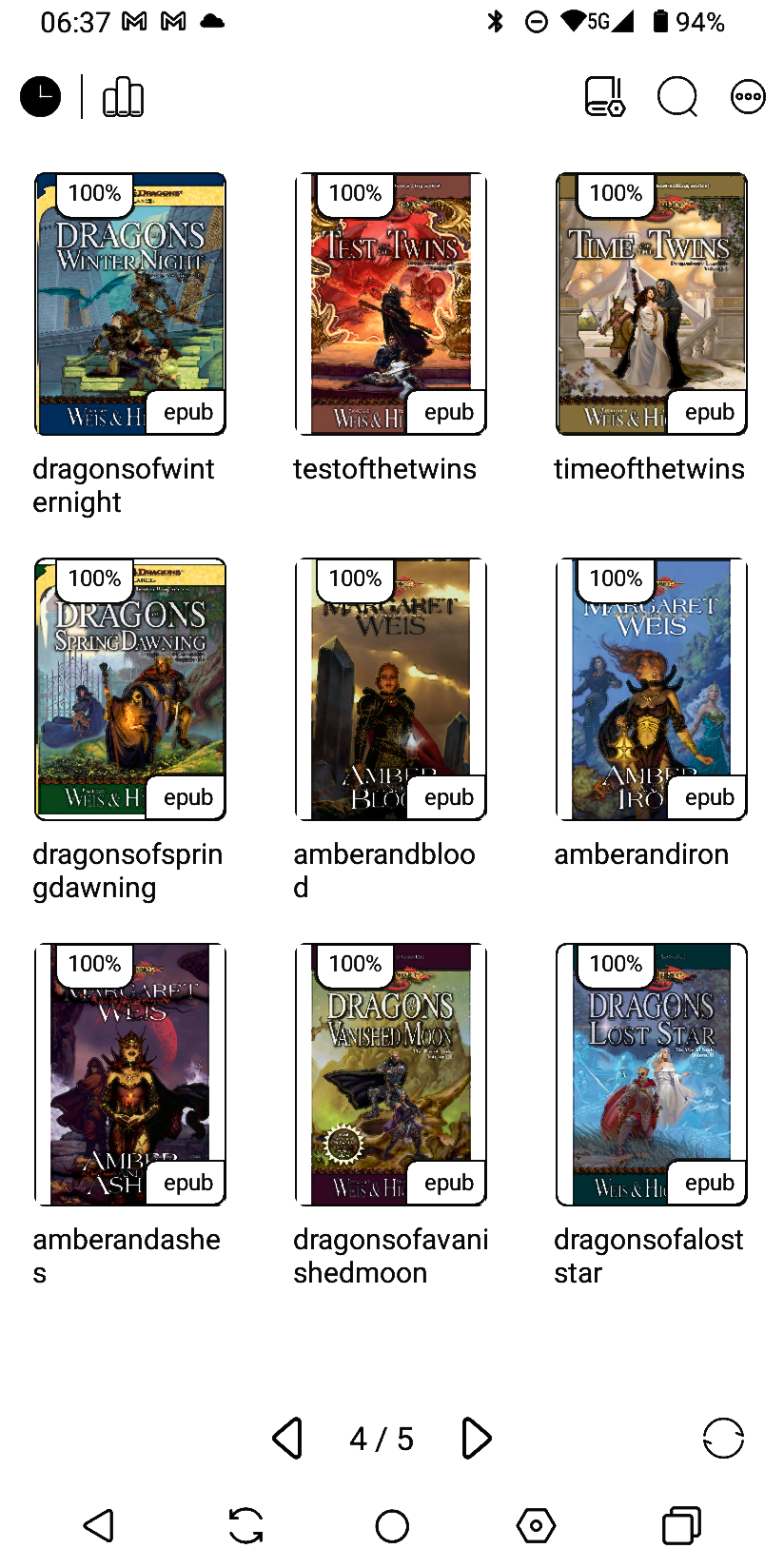
It’s a pretty good phone, and if you’re tech-savvy and have patience for dealing with glitches, then I highly recommend it. It isn’t ready for mass use, yet, due to those hiccups…but I’m enjoying it. I’m also getting back into reading…I’ve got about 500 epubs from the last decade or so of buying bundles to get through!

Love me some BattleTech

We’ve had a lot of time from work recently due to circumstances which I’ll share at some point (not bad, pretty good actually), so there’s been more time to read and play video games. And you’ll notice from the ol’ “Read list” on the right side of the blog, I’ve been working through the 131 BattleTech books that I got last year from a Humble Bundle.

I love eBooks because they don’t take up more space on my shelves (after moving several times in the last decade, I’m only moving books that I love and want the physical copy of (sorry collected works of Mark Twain(I know the guy loved cats, but his books are available for free online))). I can read them on my Chuwi Minibook X 2 in 1, and I’m looking into serving them from the NAS server.

I, unfortunately, haven’t been playing as many video games because it’s tougher to do so. Rather, I’ve been playing the ever living bejeebus out of Terraforming Mars (which I got on Steam with ANOTHER Humble Bundle last year. So, when and if anyone plays Terraforming Mars with me, well I hope to put up a challenge at least.

That’s just to say this morning I tried loading up some BattleTech on the ol’ Minobook X. It’s an older game, but I enjoy it quite a lot and figured I’d give it a go and see if it works. I was not hopeful…this thing is using an N100 intel chip with the integrated graphics that it puts out. Sure it’s got 12 gb of RAM, and I replaced the SSD with a 1tb one…but it’s not made for games, let’s be honest.

I’ll also be honest: I was pleasantly surprised with the fact that the game worked. I turned all GFX settings down to the lowest, of course, but hey…it played smoothly, there was no delay in the action (I mean, it’s a turn based game, so there shouldn’t be), and it worked and played like it does on the desktop. I was just as pleasantly surprised when this laptop played Skyrim, Mass Effect, and Dragon Age games (except Veilguard, that one is too new…and too crappy to try to get it to work on this system).

Also, it made the laptop heat up significantly less than Terraforming Mars, which is really strange…considering one is a Turn Based action game with explosions, and one should be a pretty static board game. THAT I was really pleasantly surprised by.

Good times.